
OpenSCAD's own mesh
The STL is OpenSCAD's render of your file, written out triangle for triangle — no conversion in between that could change the shape. It is what desktop OpenSCAD exports after F6.
Downloaded a .scad file and only need something your slicer can open? Drop it here. Real OpenSCAD renders it in your browser, its Customizer parameters become sliders, and “Export STL” saves the mesh — the same triangles desktop OpenSCAD writes after a render. No install, no sign-up, and the file never leaves your computer.
01
The page loads OpenSCAD itself as it opens, which takes a few seconds the first time; after that most models render in a second or less.
02
Drop the .scad file onto the page, or paste its code into the editor. If it includes other files (include <…> or use <…>), drop the whole folder so they come along. MCAD, BOSL2 and Write.scad are built in.
03
Variables marked up for the Customizer appear as sliders, drop-downs and checkboxes. Each change re-renders the model half a second later.
04
Click “Export STL” and you get a binary STL of exactly what is on screen, ready for PrusaSlicer, Cura, OrcaSlicer or Bambu Studio.
The STL is OpenSCAD's render of your file, written out triangle for triangle — no conversion in between that could change the shape. It is what desktop OpenSCAD exports after F6.
Round shapes have as many segments as $fn (or $fa and $fs) give them, as on the desktop. For a smoother print, put something like $fn = 96; at the top of the file and export again.
% background objects are left out, # highlighted ones are exported like any other part, and color() is dropped: STL has no standard place for it. Everything at the top level goes into one file.
STL stores no units. OpenSCAD models are written in millimetres by convention and slicers read STL as millimetres, so a 40 in the code is 40 mm on the bed.
Each opens already rendered. Change a parameter, then press “Export STL”. No sign-up.
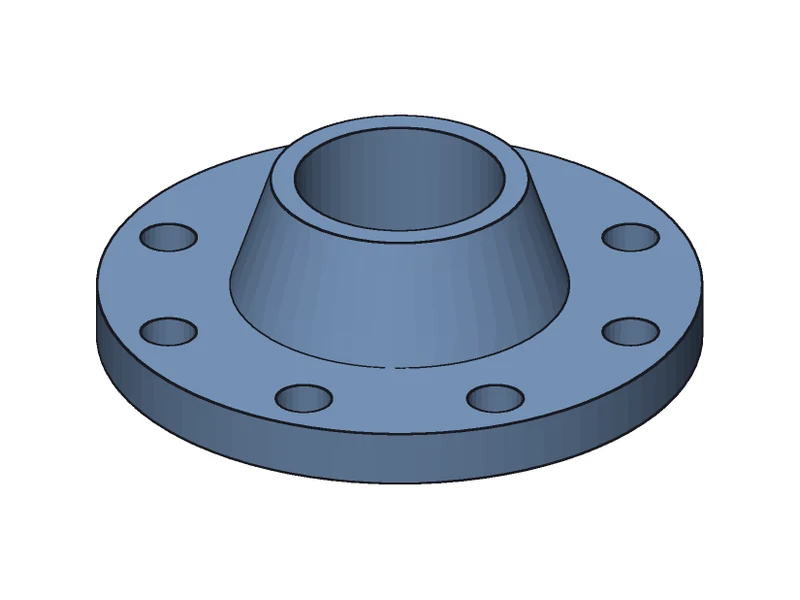
A revolved profile with a bolt circle: raise $fn for rounder holes before you export.
Open and export →
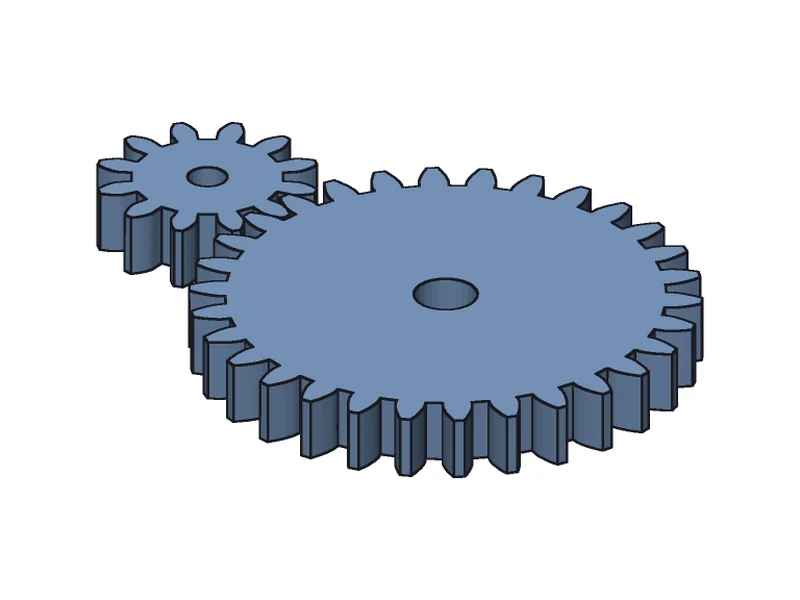
Two files: the entry uses a gear library in lib/, which is how most downloaded projects look.
Open and export →
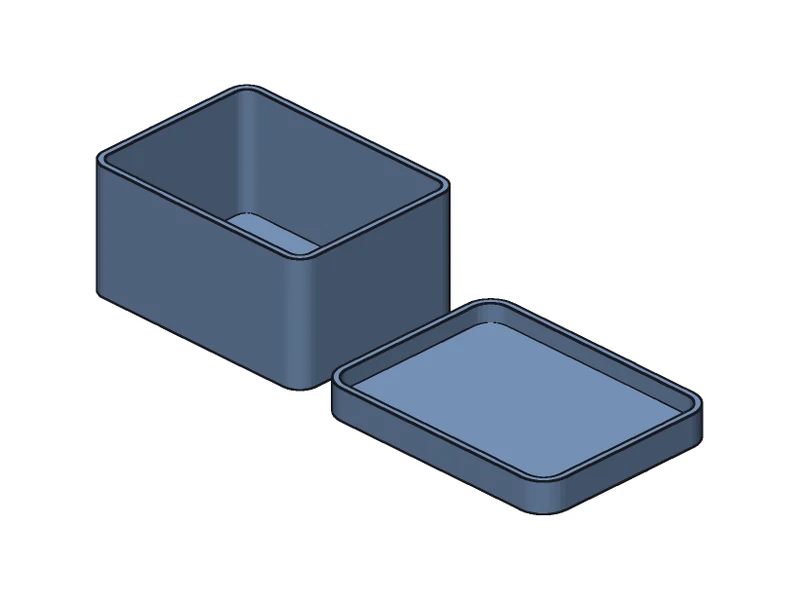
Set the size, wall and lid fit with the sliders; the STL holds both the box and the lid.
Open and export →
| Desktop OpenSCAD | This page | |
|---|---|---|
| Install | Download and install | Open a web page |
| Getting the STL | Render (F6), then File → Export → Export as STL | It renders as you go; one “Export STL” click |
| Projects with include / use | Open the entry file | Drop the folder |
| Other formats | 3MF, OFF, AMF, DXF, SVG and more | STEP (exact B-rep) for CAD software |
| Where it runs | On your computer | In your browser; the file is not uploaded |
Yes. There is no sign-up and no limit on how many files you convert.
No. OpenSCAD runs inside your browser tab and writes the STL there too; the contents of your files never leave your computer.
Curves get as many segments as $fn, $fa and $fs allow, exactly as on the desktop. Set a higher $fn at the top of the file or on the round shapes (96 is plenty for most prints) and export again.
The whole folder. Files are looked up by the same relative paths OpenSCAD uses; data files read by import() or surface() (STL, OFF, OBJ, AMF, DXF, SVG, DAT, PNG) and .ttf / .otf fonts come along. MCAD, BOSL2, Write.scad and Thingiverse's build_plate.scad are built in.
Not here: this page exports STL, and STEP for CAD software. A 2D design (one without linear_extrude or rotate_extrude) has no STL, and DXF / SVG export is not available yet.
Most files render in a second or two. A model that flattens to more than 150,000 nodes (loops unrolled) is beyond the in-browser build, and the page says so. A long render can be stopped at any time.
Use OpenSCAD to STEP: the same tool rebuilds the model as exact B-rep, with true cylinders and planes instead of triangles.
Need a CAD file instead? The same tool exports real B-rep STEP.
Customizing a Thingiverse model? Load the folder and use the sliders.
Got OpenSCAD code from ChatGPT? See it, fix it, export STL.
Just looking? Preview .scad files with the desktop F5 colours.